Prima.Law
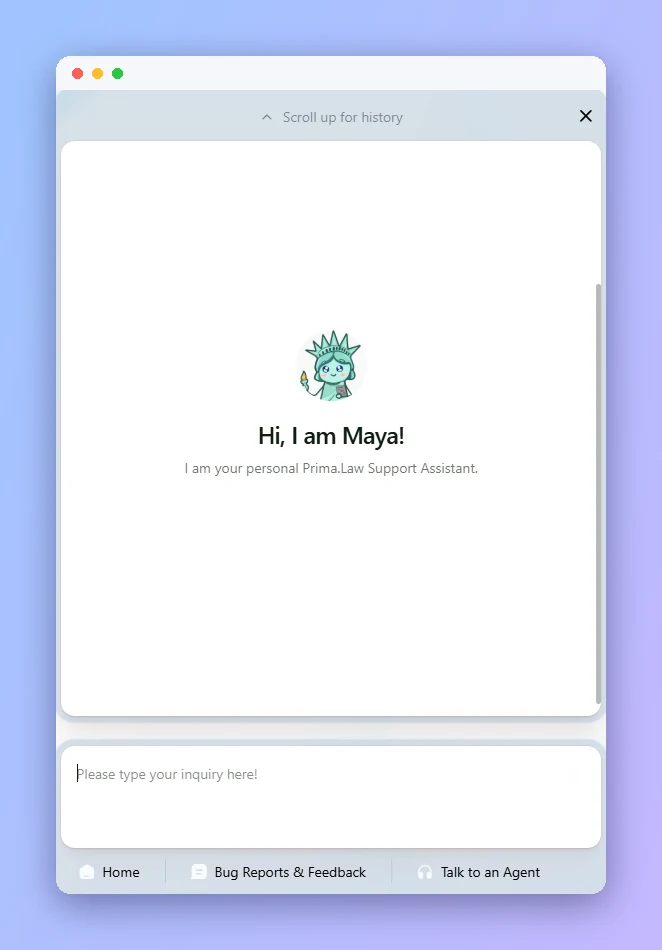
Maya lives in the corner of every Prima.Law screen. Ask how a feature works, report a bug, send a feature request or reach a person on our support team, all without leaving your work.
Trained on the Prima.Law Help Center, Maya walks you through features step by step.
Attach a file, screenshot or screen recording so our team sees exactly what happened.
Type "human please" or open Talk to an Agent for live help from our team.
Send feature requests and feedback straight to our development team.
Click the chat bubble in the lower right of any screen.
Ask how to do something and Maya answers from the Help Center.
Need a person? Type "human please" to reach our support team.
Send bug reports with screenshots or video, and feature requests.
AI review of assembled packages, with page-linked answers.
Uploads, interviews, forms and payments in one place.
Autofill USCIS, EOIR, DOL and DOS forms from client profiles.
Adaptive intake questionnaires that import into your forms.
Book a demo and see how Maya AI Assistant fits your immigration practice.