
Connect Gmail or Outlook and send, receive and reply to email without leaving Prima.Law. Every message is logged to the right contact, and to the case when you choose one, at no additional cost.
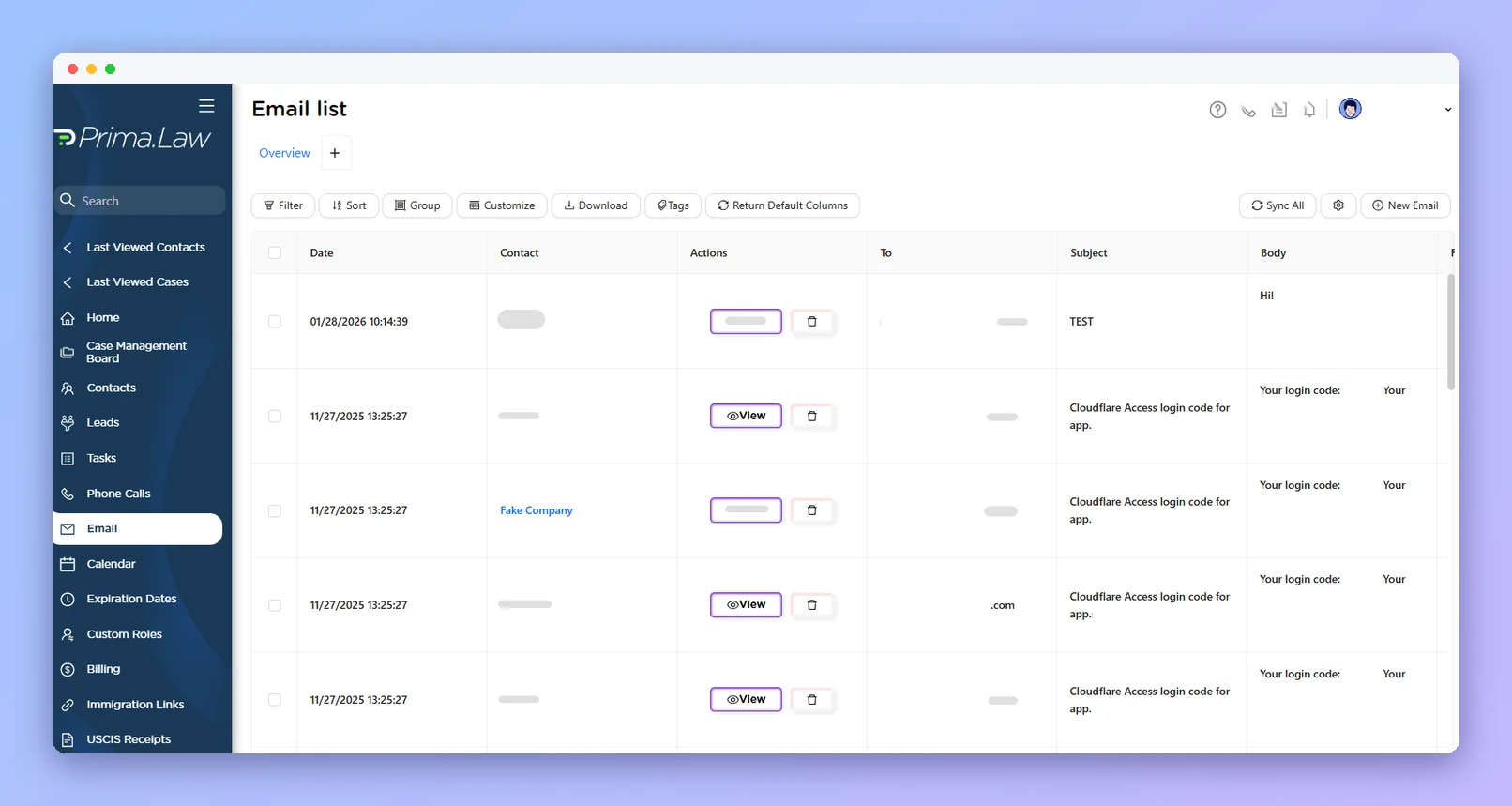
Write new emails, reply to threads and attach files from the File Manager or your computer.
Messages land in the contact's communication history, and in the case when you select one.
Connect through Google or Microsoft sign-in. Prima.Law is verified by both.
Emails sent straight from Gmail or Outlook are logged too, and Sync All refreshes the mailbox.
Open Email List, click Settings, and choose Continue with Google or Connect with Outlook.
Click New Email, pick the contact and, if you like, the case.
Open the contact's Communications tab and continue any thread.
Messages sent outside Prima.Law are logged too; click Sync All if anything is missing.
Two-way SMS and MMS with each client.
Uploads, interviews, forms and payments in one place.
Filter, group and save views of every case.
Zapier, n8n and External API Access.
Book a demo and see how Email (Gmail & Outlook) fits your immigration practice.