
Connect Prima.Law to Zapier, n8n and your own AI agents. Trigger workflows from new leads, cases, tasks, invoices and payments, and with External API Access, an Enterprise feature, build custom actions and hand routine work to AI agents.
Use the Prima.Law app in Zapier to connect over 5,000 apps, from Gmail and Slack to QuickBooks Online.
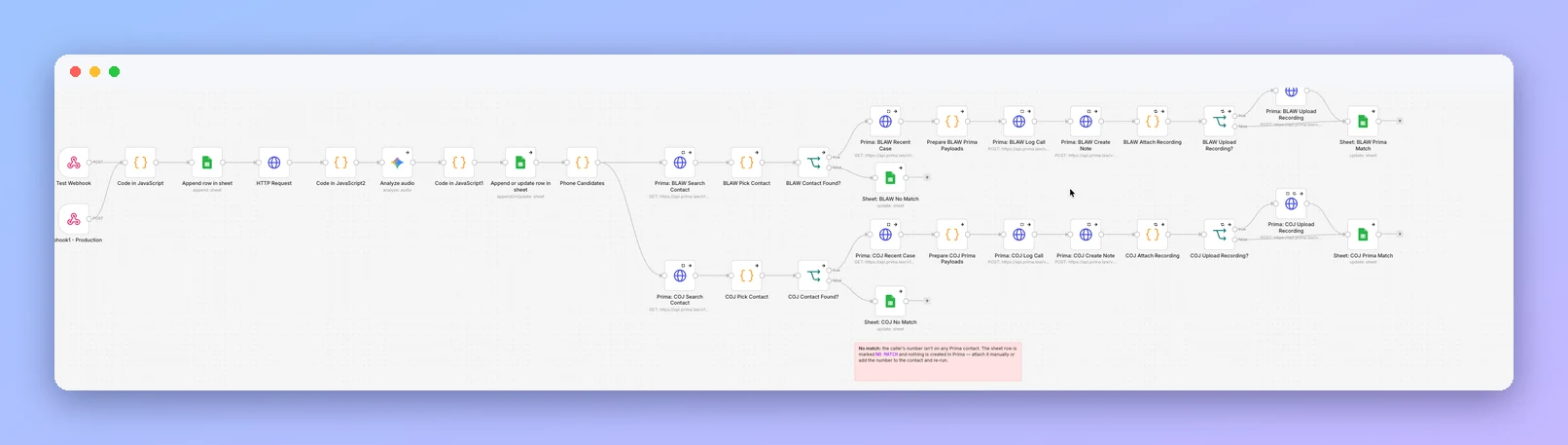
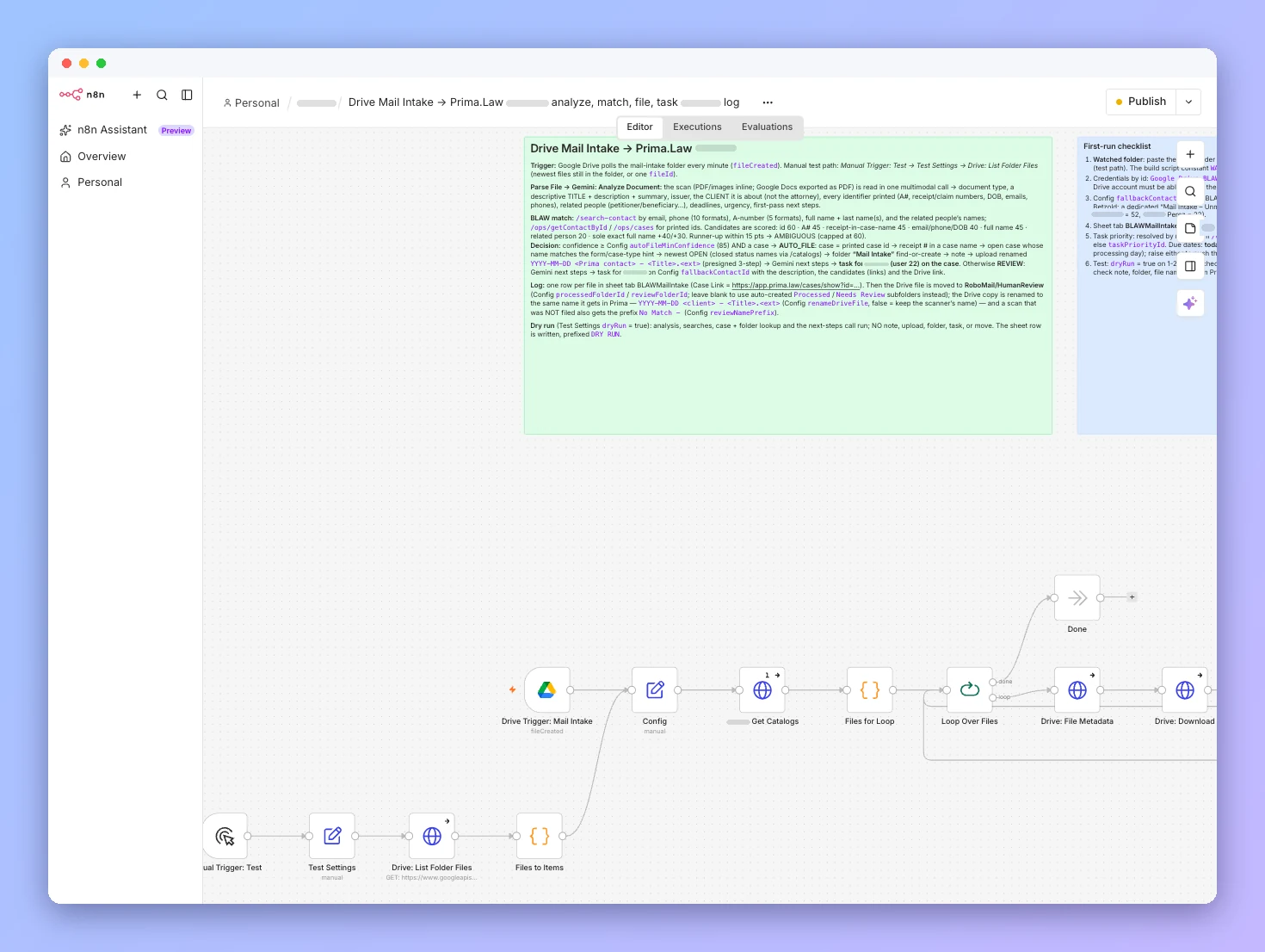
Build custom, multi-step automations in n8n on top of the Prima.Law API.
Delegate routine work to AI agents that act on your Prima.Law data, with your team reviewing the results.
Connect internal tools and databases directly through External API Access.
Typeform, JotForm, WPForms or Facebook Ads entries create a lead, with a follow-up task for your intake team.
A booked consultation creates a lead in Prima.Law with the meeting details attached.
When a new lead arrives, an AI agent summarizes the intake, suggests a case type and adds a note and follow-up task for the attorney.
When a lead becomes a client, generate the retainer in Google Docs and send it for signature through DocuSign or HelloSign.
New invoices and payments in Prima.Law create matching entries in QuickBooks Online.
Post to Slack or Microsoft Teams when a case moves to a new status.
When a case status changes, an AI agent drafts a plain-language client update for staff to review before it's sent.
New court dates and deadline tasks are added to your firm's master Google Calendar.
Generate it in the Prima.Law Admin panel.
Zapier for no-code workflows, n8n for custom ones, or your own code.
Start from an event such as a new lead, a new case or a status change.
Add the next steps, including AI agent steps, test with real data, then turn it on.
Send and log email to contacts and cases.
Filter, group and save views of every case.
AI review of assembled packages, with page-linked answers.
Answers, bug reports and live help inside the app.
Book a demo and see how AI Agents & Automations fits your immigration practice.