Prima.Law
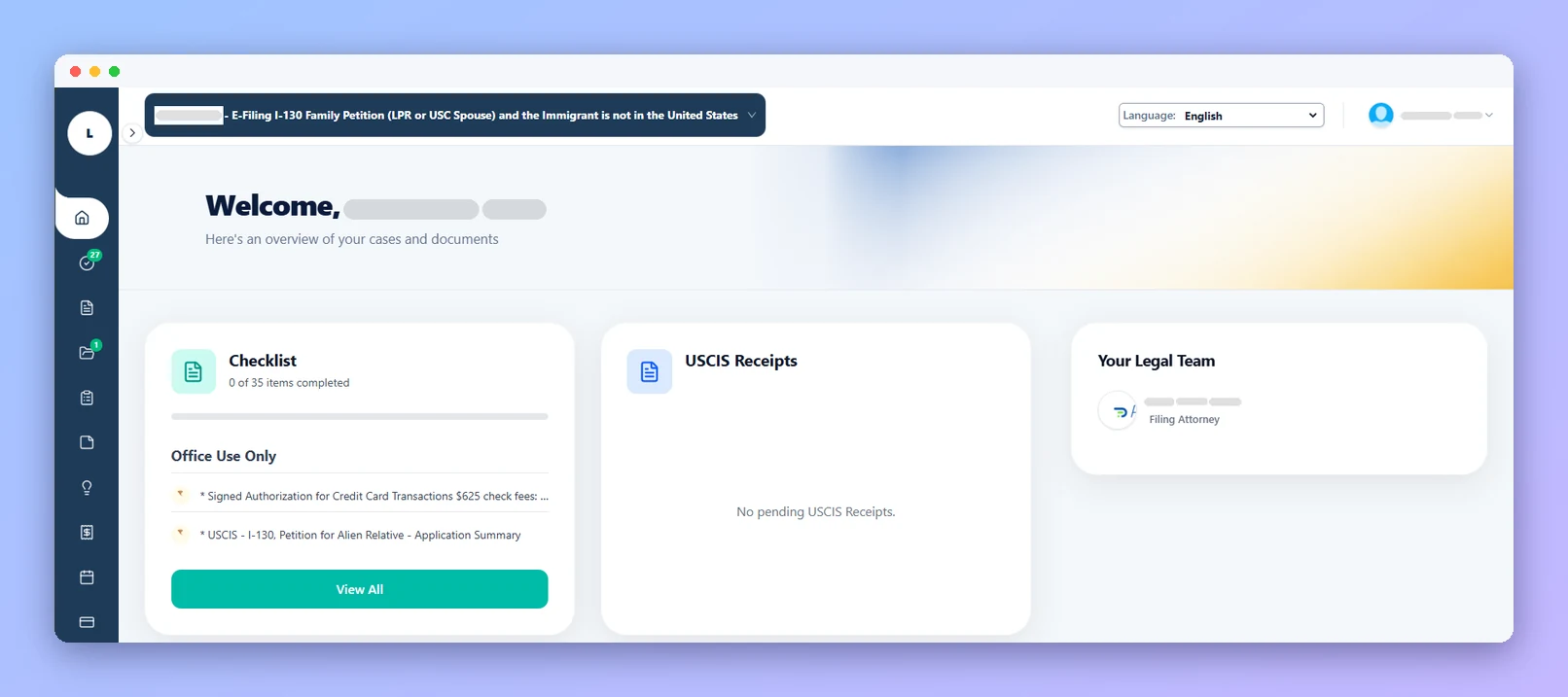
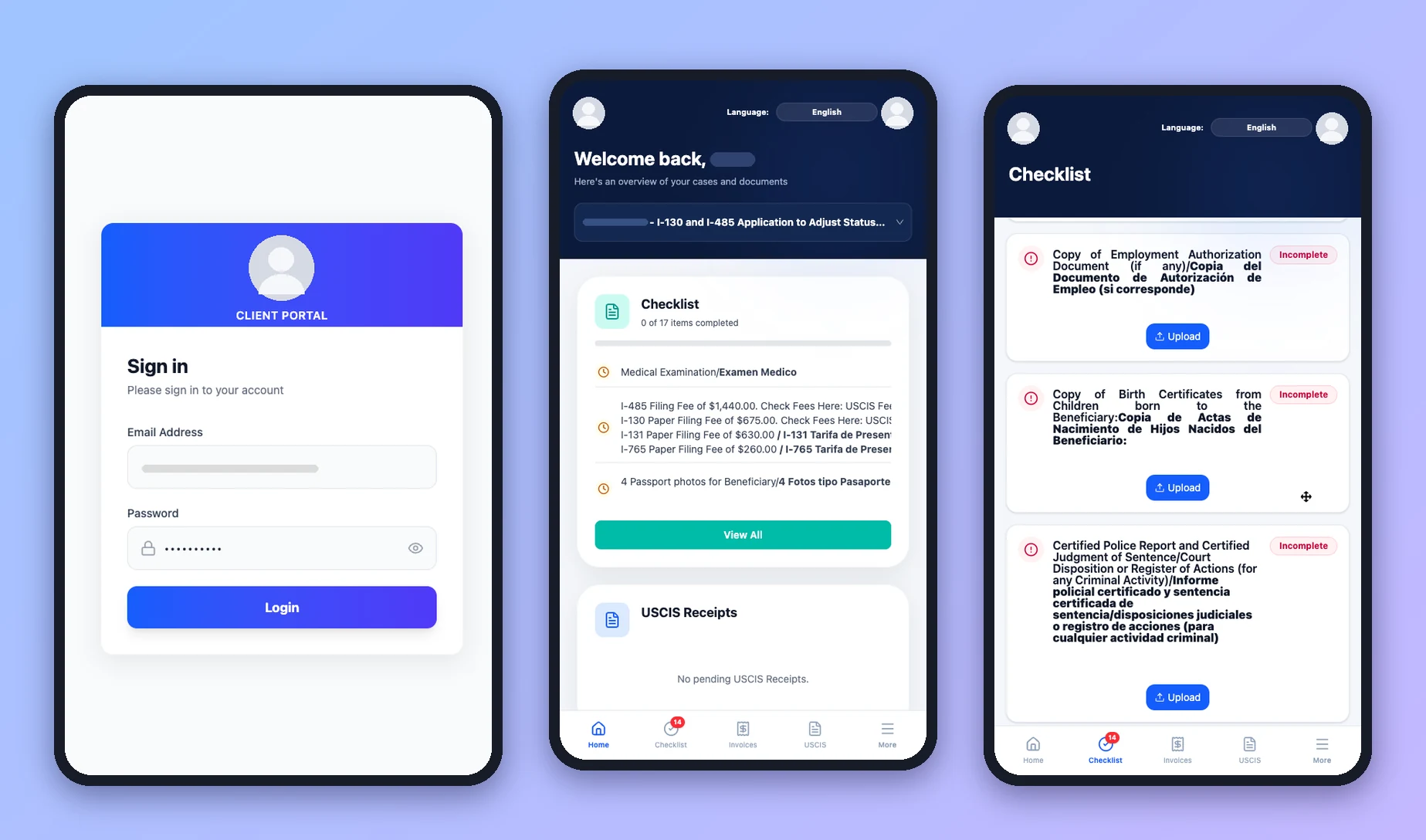
Give clients one branded place to upload documents, complete interviews, review forms, check USCIS case status and pay invoices, without the endless email back-and-forth.
Clients upload to their checklist from a computer or phone, and you're notified.
Share forms read-only or with field-level edit access, plus notes and files.
Clients view invoices and pay by card or ACH with PrimaPay+.
Receipt numbers and case statuses appear in the portal automatically.
Turn on portal access for the contact (an email address is all it needs).
Choose which case, forms, files and notes the client can see.
The invite email has a one-click button. No account setup required.
Uploads, interview answers and payments flow straight into the case.
Adaptive intake questionnaires that import into your forms.
Two-way SMS and MMS with each client.
Time, invoices, payment plans and trust accounting.
Autofill USCIS, EOIR, DOL and DOS forms from client profiles.
Book a demo and see how Client Portal fits your immigration practice.